

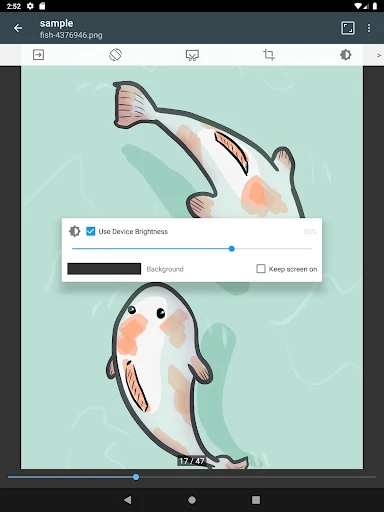
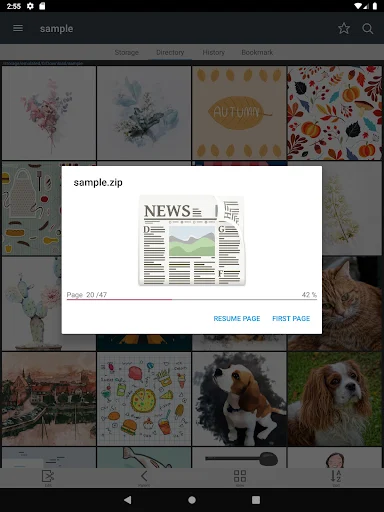
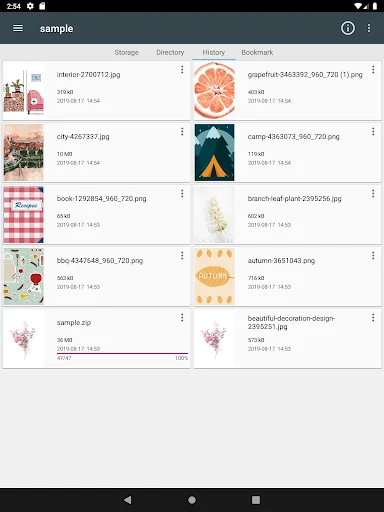
ComicScreen – PDF, ComicReader is an app designed to help users manage and view various image and compressed file formats, focusing on content often found in digital comics and documents. Its primary function is to open and display files such as ZIP, RAR, CBZ, CBR, and PDF, alongside individual image types like JPG, PNG, GIF, BMP, TIFF, WebP, and AVIF. The app provides tools for navigating through these files, allowing users to read multi-page documents or image sequences in a structured way.
Supported File Formats
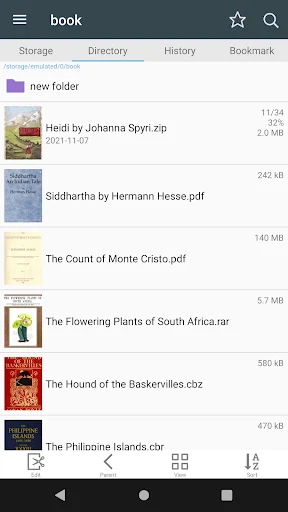
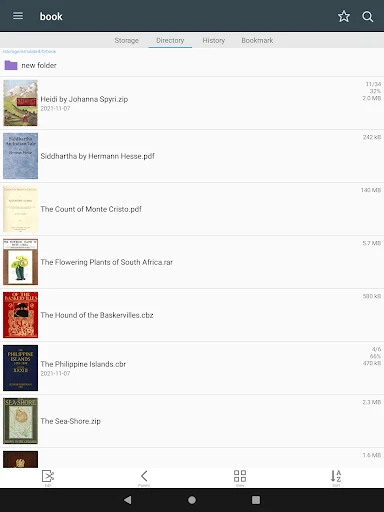
The app supports a broad range of compressed archives and individual image files. For archives, it can open ZIP, RAR, CBZ, and CBR files, which are common formats for digital comics. It also handles PDF documents, making it versatile for both comic reading and general document viewing. In terms of individual images, ComicScreen can display JPG, PNG, GIF, BMP, TIFF, WebP, and AVIF files, covering most widely used image standards.
File Management and Navigation
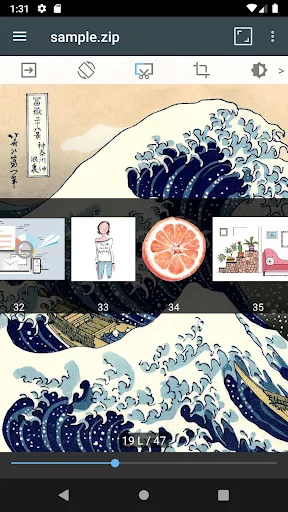
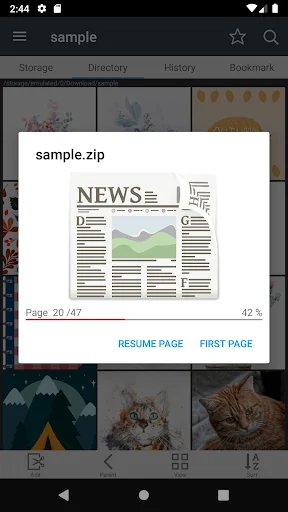
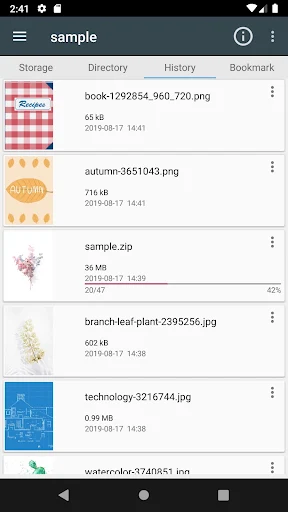
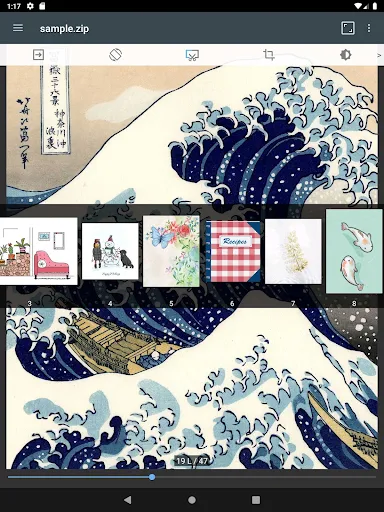
ComicScreen integrates a Folder and File Explorer directly into the app, enabling users to search, rename, and delete files and folders within their device’s storage. It extends its file access capabilities by supporting USB-OTG drives, as well as SMB and FTP network connections, allowing users to access content stored on external devices or network shares. The app also features drag-and-drop functionality for managing files and folders. When viewing content, users can scroll smoothly through images, use a bookmark preview, and quickly view the contents of a ZIP file. Page movement includes a preview feature, and navigation can be done using hardware keys.
Reading and Viewing Features
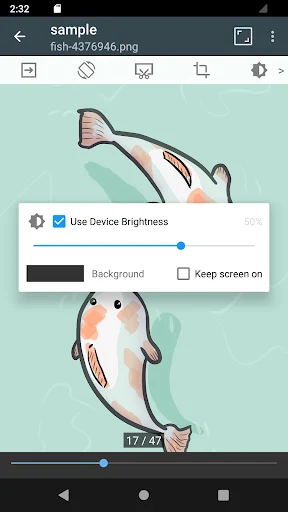
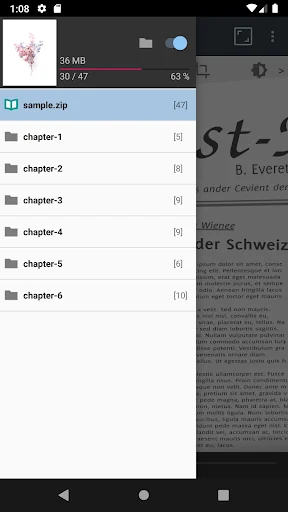
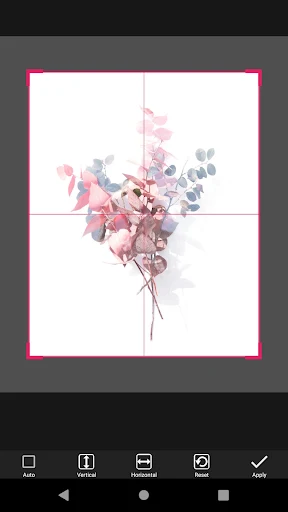
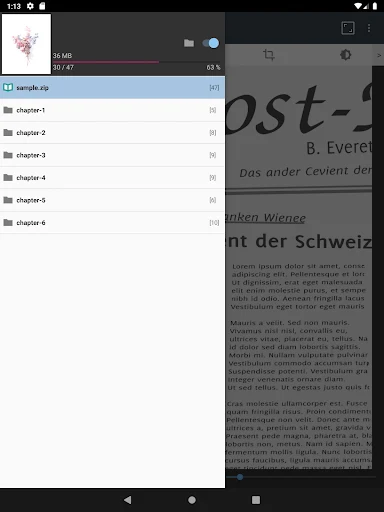
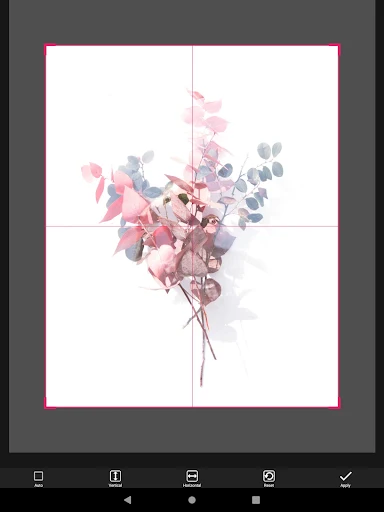
For an optimized reading experience, ComicScreen offers both horizontal (two pages) and vertical (one page) viewing modes. It includes an automatic page resort function, which can be useful for organizing content. If a ZIP file contains subfolders, the app supports a chapter drawer feature, allowing for easier navigation between sections. Additionally, a cut margin tool is available, which can be used to optimize the display of pages by removing unnecessary borders. The app is specifically designed for the management and display of images and compressed files containing images, rather than for creating or editing content.



Write a review